MobiPDF - free PDF tools that run in your browser
Merge, split, compress, rotate, watermark and convert documents in seconds. MobiPDF processes every file locally, so confidential work never leaves your device.
Works on Chrome, Edge, Firefox and Safari - desktop and mobile.
What is MobiPDF?
MobiPDF (also written as Mobi PDF) is a free online PDF workspace that handles the document jobs most people actually need: putting several files into one, pulling out a range of pages, shrinking an oversized scan for email, straightening pages that came out sideways, turning photos into a PDF, or getting images and plain text back out of a document. Every tool is a single page with a drop zone and a couple of clear options.
What makes MobiPDF different from most online converters is where the work happens. There is no upload step: your PDF is opened, rewritten and saved by your own browser, so the file never travels to a server and never sits in someone else's storage waiting to be deleted. That means contracts, payslips, medical scans and student coursework can be handled without a privacy trade-off - and it also means the tools are fast, because there is no queue.
Pick a tool and get it done
Each tool does one job with a handful of clear options - no bloated editor to learn.
Merge PDF
Combine several PDFs into one document.
Split PDF
Break one PDF into separate files.
Extract pages
Keep only the pages you select.
Delete pages
Remove unwanted pages from a PDF.
Rotate PDF
Fix sideways or upside-down pages.
Reverse order
Flip the page order of a document.
Compress PDF
Shrink large PDFs for email and upload.
PDF to JPG
Convert PDF pages to JPG or PNG images.
JPG to PDF
Convert JPG, JPEG and PNG images into one PDF.
PDF to text
Extract all text into a plain file.
Watermark PDF
Stamp every page with your own text.
Page numbers
Number the pages of any PDF.
Built for real document work
Contracts, invoices, medical scans and coursework all pass through MobiPDF the same way: locally, quickly and without asking you to create an account first.
- No watermarks
- No daily limits
- No account required
- No tracking of file contents
Private by architecture
No uploads and no server storage. Your documents are opened, edited and saved entirely on your device.
Instant results
There is no upload queue to wait for, so most jobs finish in the time it takes to click download.
Any device
Full functionality in mobile browsers too, with layouts that stay usable on a small screen.
Output you can trust
Original page sizes, rotation and quality are preserved unless you deliberately change them.
Three steps, every time
Choose a tool
Twelve focused tools, grouped by organise, convert, optimise and edit.
Add your files
Drag them in or browse. Multi-file tools let you reorder before running.
Download the result
Files are generated in your browser and saved straight to your device.
What people use Mobi PDF for
The same handful of tasks come up again and again. These are the ones MobiPDF is built around.
Applications and paperwork
Combine a scanned passport, a certificate and a signed form into one submission-ready PDF, then compress it to fit an upload limit.
Invoices and bookkeeping
Split a monthly statement into per-client files, delete internal pages before sending, or add page numbers to a bundle for an auditor.
Studying and teaching
Extract only the chapters you need, turn lecture photos into a single readable PDF, or export pages as JPG for slides and notes.
Sharing drafts
Stamp a DRAFT or CONFIDENTIAL watermark across a document before circulating it, and reverse or rotate pages that scanned in the wrong order.
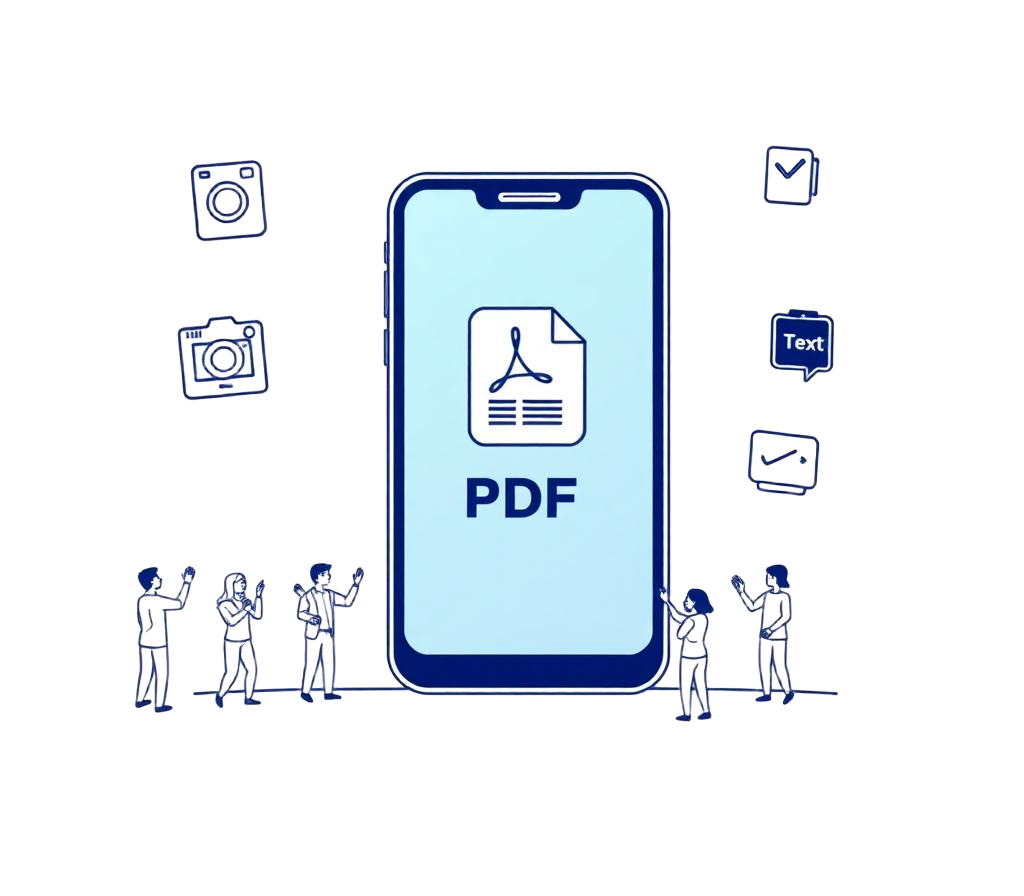
PDF on the go
Scan, sign, edit and share PDFs straight from your phone or tablet. With the MobiPDF mobile apps for Android and iOS your files stay accessible and secure across all your devices.
Why choose MobiPDF over a desktop PDF editor
Traditional PDF software asks a lot for a five-second task: a download, a licence, an account, sometimes a subscription that renews long after the one document you needed it for. MobiPDF takes the opposite approach. Each of the 12 tools does one job well, opens instantly, and works the same on a laptop as on a phone browser. There is nothing to update and nothing to uninstall.
Quality is preserved by default. Merging and splitting copy the original page objects rather than re-rendering them, so text stays selectable, vector graphics stay sharp and fonts stay embedded. Compression is the only tool that deliberately trades detail for size, and it lets you choose how far to go. Page dimensions, orientation and existing bookmarks stay as they were unless you change them on purpose.
Because everything runs locally, MobiPDF can be generous: unlimited files, no watermarks on your output, no daily caps and no email address required. If you want to know more about how the local-first approach works, read the about page or browse the full tool catalogue.
Frequently asked
What is MobiPDF?
MobiPDF is a free online PDF toolkit that runs entirely in your browser. It brings the everyday document jobs - merging, splitting, compressing, rotating, watermarking, numbering and converting to and from images or text - into one place, with no installation and no account.
Is Mobi PDF the same as MobiPDF?
Yes. People search for the product as both MobiPDF and Mobi PDF, and both spellings point to the same set of tools on mobipdf.org.
Is MobiPDF really free?
Yes. Every tool on this site is free and unlimited, with no watermarks added to your output and no trial that expires after a few files.
Do you see my documents?
No. Processing happens in your browser using local PDF libraries, so files are never transmitted to us or stored anywhere. Close the tab and nothing remains.
How large a file can MobiPDF process?
Around 100 MB works comfortably on most devices. Larger scans still work but take longer to compress, because all of the work happens on your own processor rather than a server farm.
Do I need to install anything?
No installation and no browser extension. Open MobiPDF in Chrome, Edge, Firefox or Safari on desktop or mobile and start working immediately.
More answers on the support page.
Ready when your next document is
Open a tool, drop in a file and download the result. Nothing to install, nothing to sign up for.
Browse all tools